Password 密码输入框
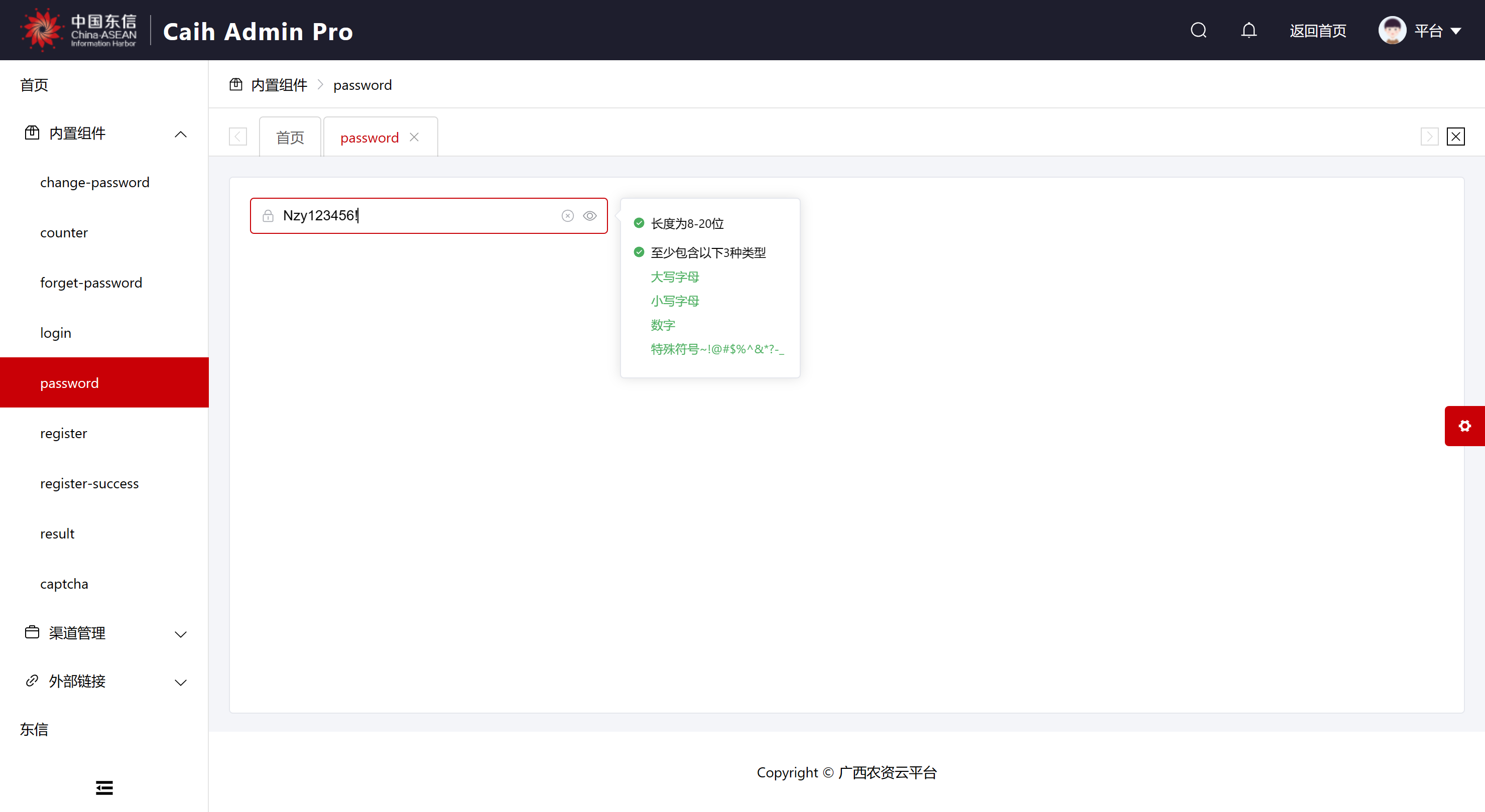
说明
可使用ref获取到组件的引用,并通过引用获取到validate函数来触发验证。
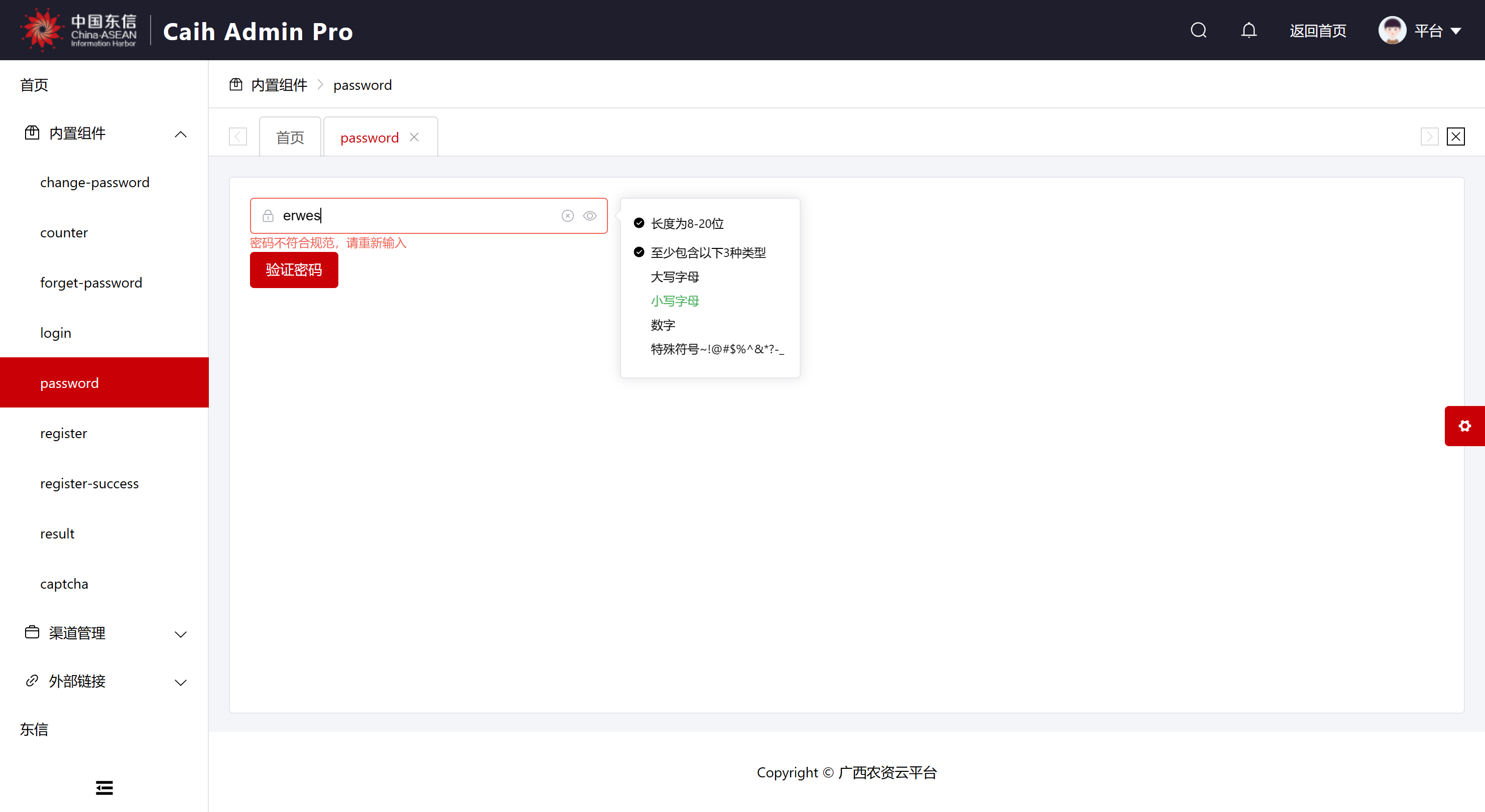
举例
vue
<template>
    <el-card shadow="never" style="height: 100%">
        <el-form style="width: 30%">
            <Password ref="passwordRef" v-model="form.password" />
        </el-form>

        <el-button type="primary" @click="() => passwordRef.validate()">验证密码</el-button>
    </el-card>
</template>

<script setup lang="ts">
import { reactive, ref } from "vue";
import Password from "@/components/password/index.vue";

const form = reactive({ password: "" });
const passwordRef = ref();
</script>

<style scoped></style>
API
Props
| 参数 | 说明 | 类型 | 默认值 | 可选值 |
|---|---|---|---|---|
| model-value/v-model | 当前输入的密码 | string | - | - |
Events
| 事件名 | 说明 | 参数 |
|---|---|---|
| validate | 当前输入的密码是否验证通过 | validate:boolean |